animfetch -a butterfly
An animated system fetch
you can work inside.
The art stays pinned at the top of your terminal while your prompt and command output scroll below it. Pick an animation, pick a layout, keep working.
$ curl -fsSL https://raw.githubusercontent.com/Andrew-Velox/animfetch/main/install.sh | sh- One small binary
- No runtime to install
- Works in your own shell
What it does
Everything a fetch should be, and then it moves
Pinned above your shell
A scroll region keeps the art at the top while your own shell runs below it, history and aliases intact.
34 animations
Animals, planets and dancers, drawn as blocks or ASCII. Add your own as plain text frames.
Eight info styles
From a plain list to a boxed card. Pick a layout, or shape the rows yourself.
Picture borders
PNG ornaments beside and below your info, drawn as real pictures in kitty, WezTerm and Ghostty.
Rows that stay current
Uptime, memory, swap and disk update while it is on screen, without ever resizing the art.
Your own rows
Rename a row, replace its value, or fill it from a shell command.
Follows your theme
Reads matugen, pywal and wallust palettes, and recolours when your wallpaper changes.
One small binary
Written in Rust. Prebuilt for Linux and macOS, on the AUR, in a Nix flake, or from source.
Info styles
A layout for every terminal
Eight styles, switched with --info or one line of config. These are screenshots of the real thing.
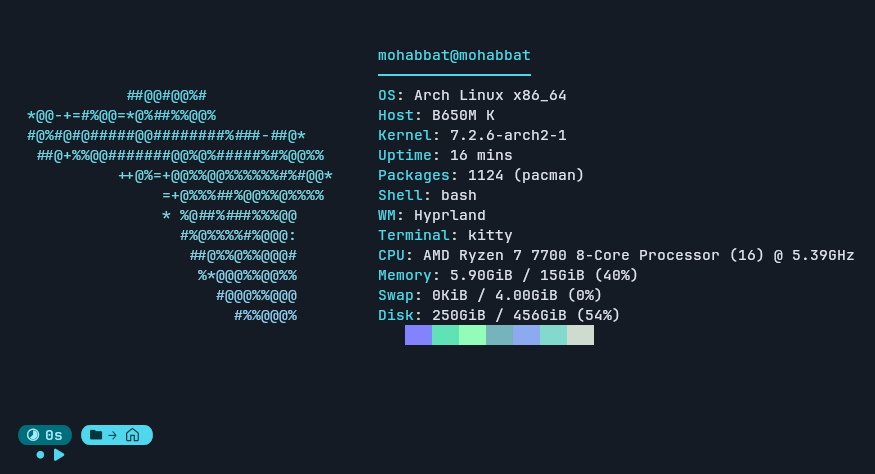
Swipe the terminal sideways to see the rest.
The default: user@host, a rule, then Label: value rows.
Animations
Thirty-four, and they are just text
Every animation is a folder of text frames. Make your own the same way.
fox-run
dolphin-swim
butterfly
cat-tail
Borders
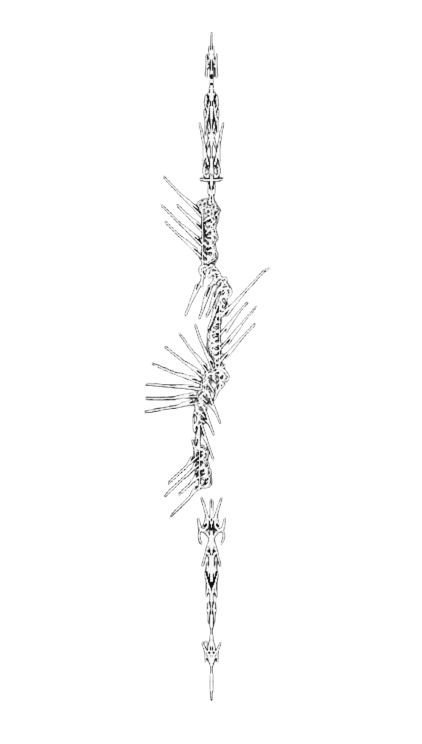
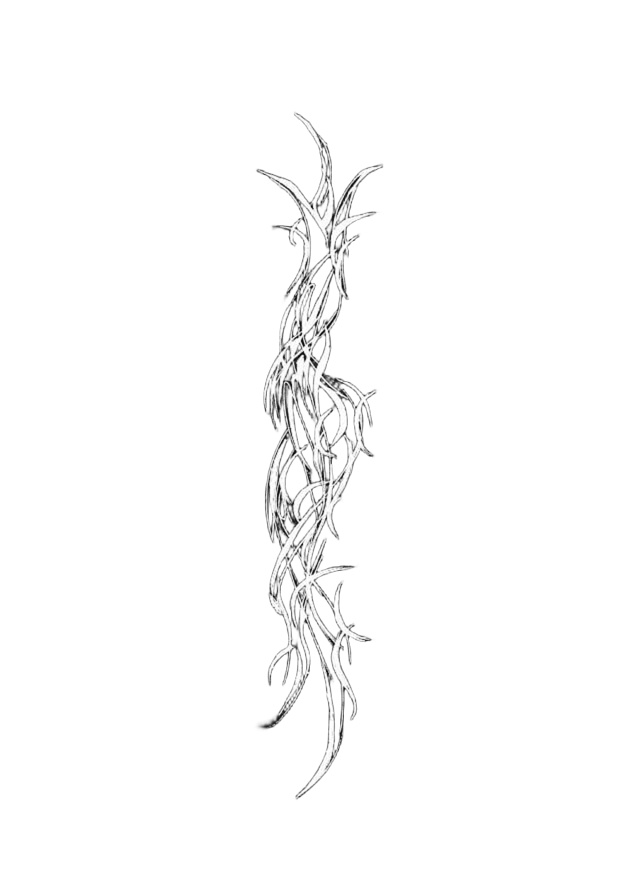
Ornaments drawn as pictures
PNG line art beside and below your info, shown by terminals that speak the kitty graphics protocol.

Install
One command
Then add it to your shell startup and it is there every time.
$ curl -fsSL https://raw.githubusercontent.com/Andrew-Velox/animfetch/main/install.sh | shA prebuilt binary into ~/.local/bin. No Rust needed.
~/.bashrc or ~/.zshrc
[[ $- == *i* ]] && command -v animfetch >/dev/null && animfetch --pinFish and the details are in the quick start.